How to Check an AI-Made Children's Video Before You Share It
Why Reviewing Matters
AI video tools now let anyone turn a story idea into a cartoon clip in minutes. That is good for parents, teachers and creators who want quick, custom content. But speed also means less human oversight. A video that looks fine on first glance might have mistakes that confuse a child or teach something wrong. Before you hit share, a short review routine helps you catch issues early. This article walks through the steps, with what to watch for at each stage, so you can feel confident about the watermark free kids videos you put in front of a young audience.
1. Watch the Whole Thing Through Once
Start by playing the video from start to finish without stopping. Watch it the way a child would. Notice the pacing: does the story move too fast or too slow? AI generators sometimes rush scenes or linger on one image for too long. If the video feels choppy, that is a sign the scene transitions need adjustment. Also listen for the voiceover. Synthetic narration can mispronounce names or place emphasis on the wrong words. Make a mental note of any place where the audio does not match what is on screen.
2. Check the Visuals for Errors
AI animation still struggles with consistency. Characters might change colour between scenes, objects might appear or disappear without reason, and backgrounds can turn into a blur. Watch for these common glitches:
- Character features that shift (hair length, eye colour, clothing details)
- Text on screen that is cut off or has typos
- Objects that float or move in ways that break simple physics
- Scenes where the lighting or mood does not match the story
If you spot any of these, note the timestamp. Many AI video tools let you regenerate a scene or tweak the prompt to fix the issue. For a video you plan to share widely, visual consistency matters a lot.
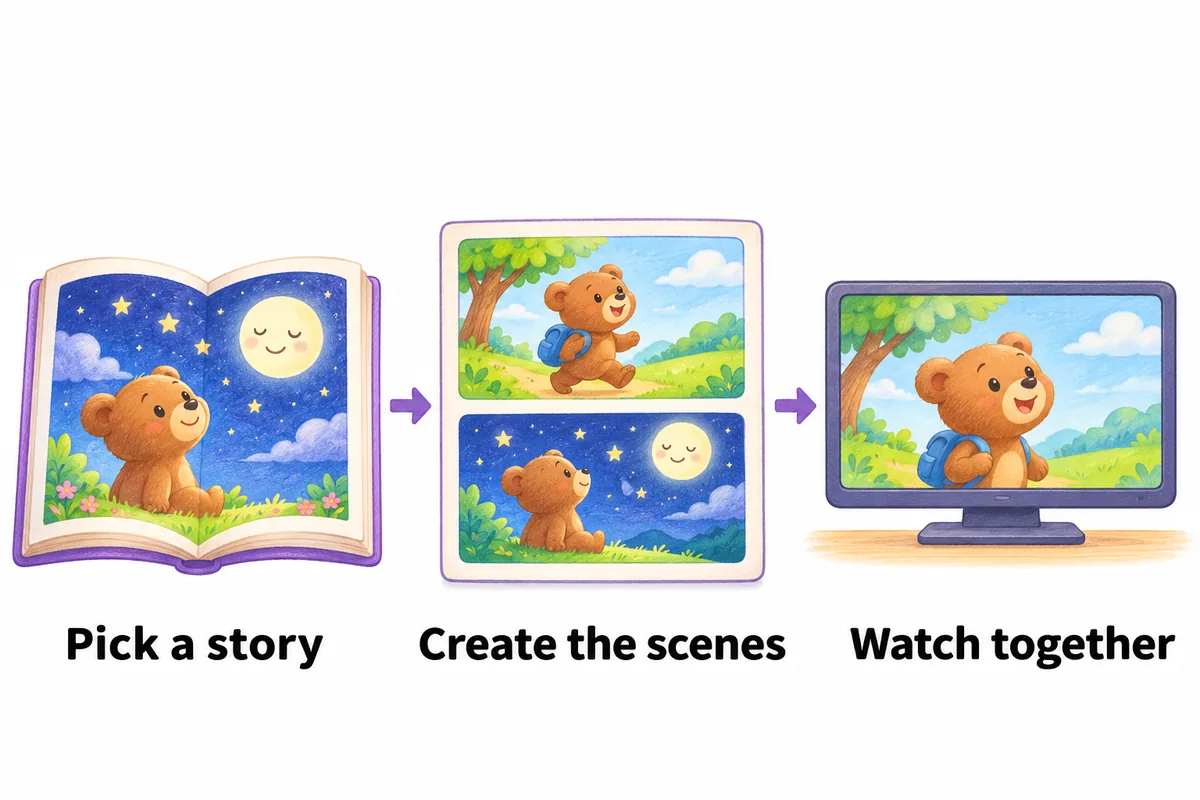
3. Review the Story and Message
Even if the video looks polished, the story might have problems. AI models can misunderstand the intended message and generate dialogue that is off-topic, scary, or subtly inappropriate. Read every line of spoken or on-screen text. Ask yourself: does this match the values I want to share? Is the resolution of the story clear? A good children's video has a simple arc - a problem, a effort to solve it, and a satisfying end. If the AI skipped the problem or ended abruptly, the video will feel incomplete. You may need to rewrite the prompt or the script before regenerating.
4. Assess the Educational Value
When you use a tool like Fluxnote to generate a narrated cartoon story or a language lesson, the educational content should be accurate. Check any facts, numbers, or historical references. For example, a nursery rhyme with a changed lyric might confuse a child who learns it at school. For language lessons, confirm that the vocabulary and grammar are correct. AI can sometimes invent words or use phrasing that is not standard. If the video is meant to teach a skill, go through each step yourself to make sure it is correct. A small error can undo the whole learning goal.
5. Check the Audio Mix and Sound Effects
Sound quality matters as much as picture quality. Listen for background music that overpowers the voice. Check that sound effects match the on-screen action and are not too loud or startling. For young children, sudden loud noises can be upsetting. Also listen for awkward pauses or repeated phrases in the narration. If the audio track has glitches, consider regenerating the video with a different voice setting or adjusting the prompt to reduce background noise.
6. Confirm the Video Is Age-Appropriate
Not all AI-generated content fits every age group. A video meant for preschoolers should have simple words, bright colours, and gentle music. A video for older kids can handle more complex plots and subtle humour. Before sharing, think about the child's age and maturity. If the video includes a scene that could scare a very young viewer, or uses words they cannot understand, it is better to edit or replace that part. Many AI video generators let you set a style or mood in the prompt, so you can steer the output toward the right tone.
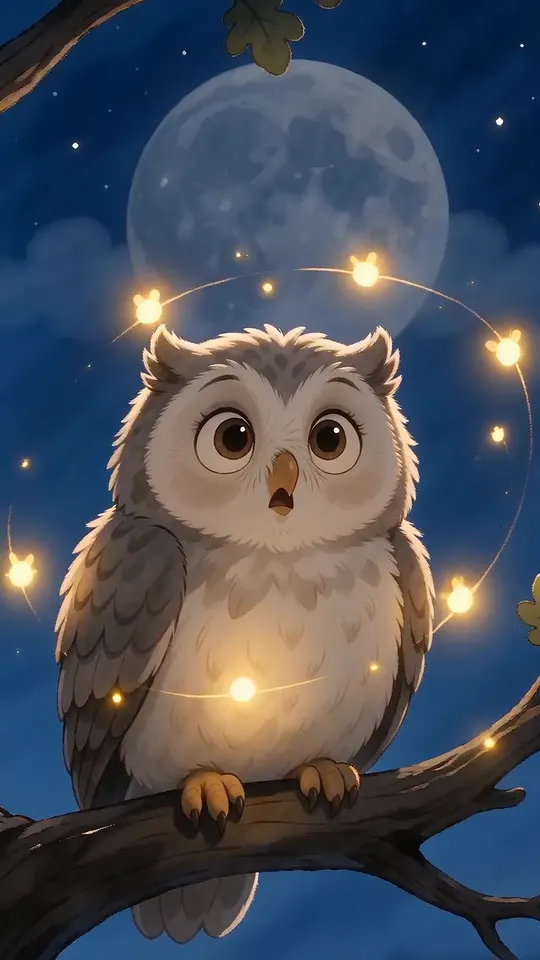
7. Look for Branding and Watermarks
Free or trial versions of AI video tools often stamp a watermark on the output. That logo can distract a child and make the video feel less personal. When you search for watermark free kids videos, you want the final product to look clean and professional. Some services, like the one offered by Fluxnote, generate videos without a watermark when you use the full version. Before you share, check the corners of the frame and the start or end credits for any unwanted logos. If a watermark is present, you may need to upgrade the account or use a different tool. The phrase fluxnote video generate refers to the process of creating these clean, narrated clips with no branding overlay, which is what you want for a shared video.
8. Test the Video on a Small Audience First
Once you have made your fixes, share the video with one or two trusted adults or older children. Ask them to watch and give honest feedback. Did they notice anything you missed? Was the story easy to follow? This step catches the mistakes that familiarity hides. After that, you can let the intended child audience see it. Watch their reaction. Do they stay engaged? Do they ask questions about something confusing? Their behaviour is the best test of whether the video works.
9. Keep a Record of What Works
Over time, you will build a sense of what prompts produce good results and what common mistakes to avoid. Write down the settings and prompts that gave you the best watermark free kids videos. If you use Fluxnote regularly, you will learn which story structures work well and which voice styles children prefer. This record helps you skip the trial and error next time. The fluxnote video generate process becomes faster and more reliable when you reuse successful patterns.
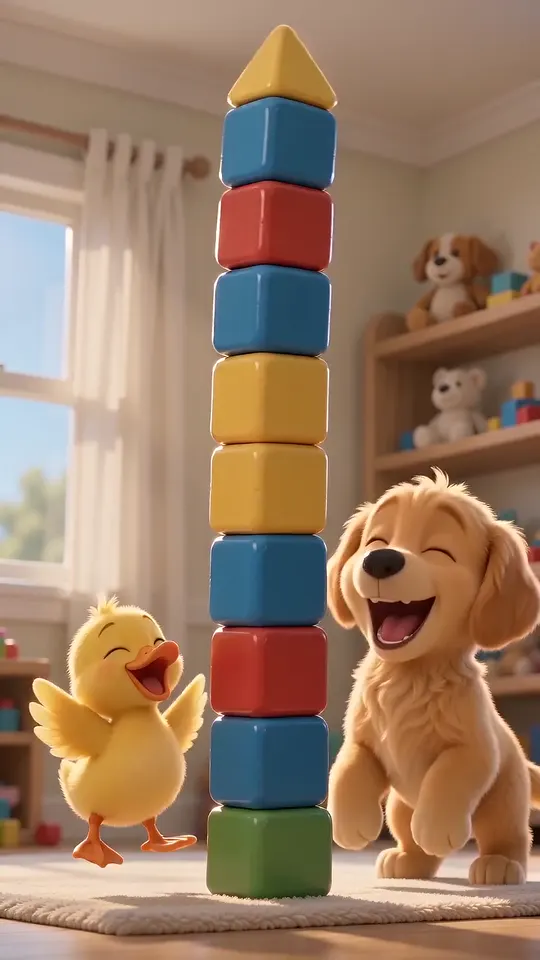
Final Checks Before Sharing
Take one last look at the video on the device where the child will watch it. Sometimes colours shift on different screens, or the sound is quieter on a tablet. Make sure subtitles or captions are readable and sync with the audio. If the video will be shared online, check the platform's content guidelines to avoid accidental restrictions. A quick final review gives you peace of mind that the video is ready.
Fluxnote on social media
 Twitter
 LinkedIn
 Facebook
 Instagram
 YouTube
 Discord
Ends · CURIOUSKIDSCORNER